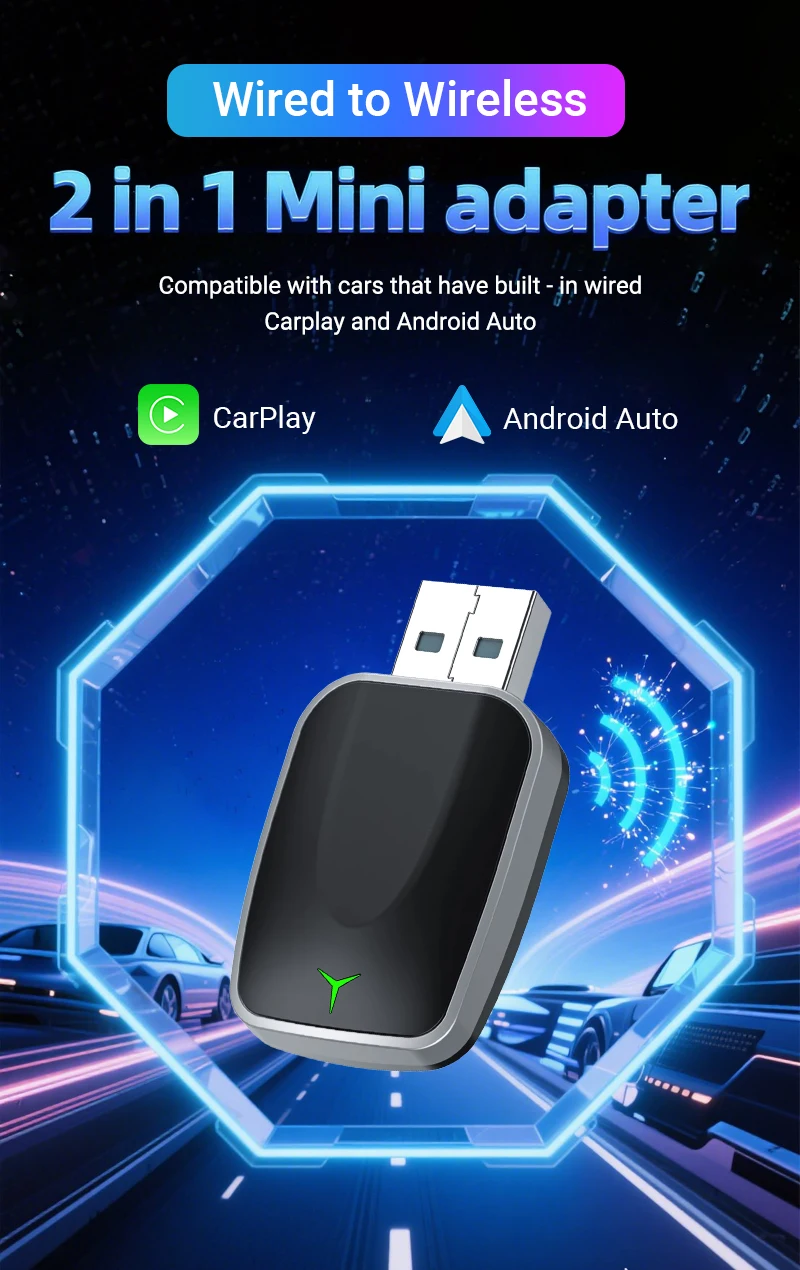


Adattatore per auto CarPlay Box
Nuovo aggiornamento CarPlay Box Connessione intelligente wireless stabile Accoppiamento istantaneo Guida più intelligente Plug&Play Cablato a Mini Box wireless
📍📍PLEASE NOTED:
1. Please make sure your original car has OEM CarPlay, This product is suitable for 98% of cars with original wired Carplay. BMW, Tesla and some models are not compatible.
2. For Carplay, it supports iPhone 6 and above models, and the software version is iOS 10 or above.
3. For Android Auto, it supports Android 11 and above models. Note that Huawei mobile phones are special.
4.Huawei devices have their own mobile operating system - EMUI. Unfortunately, Android auto wireless does not support EMUI.
📍📍Features
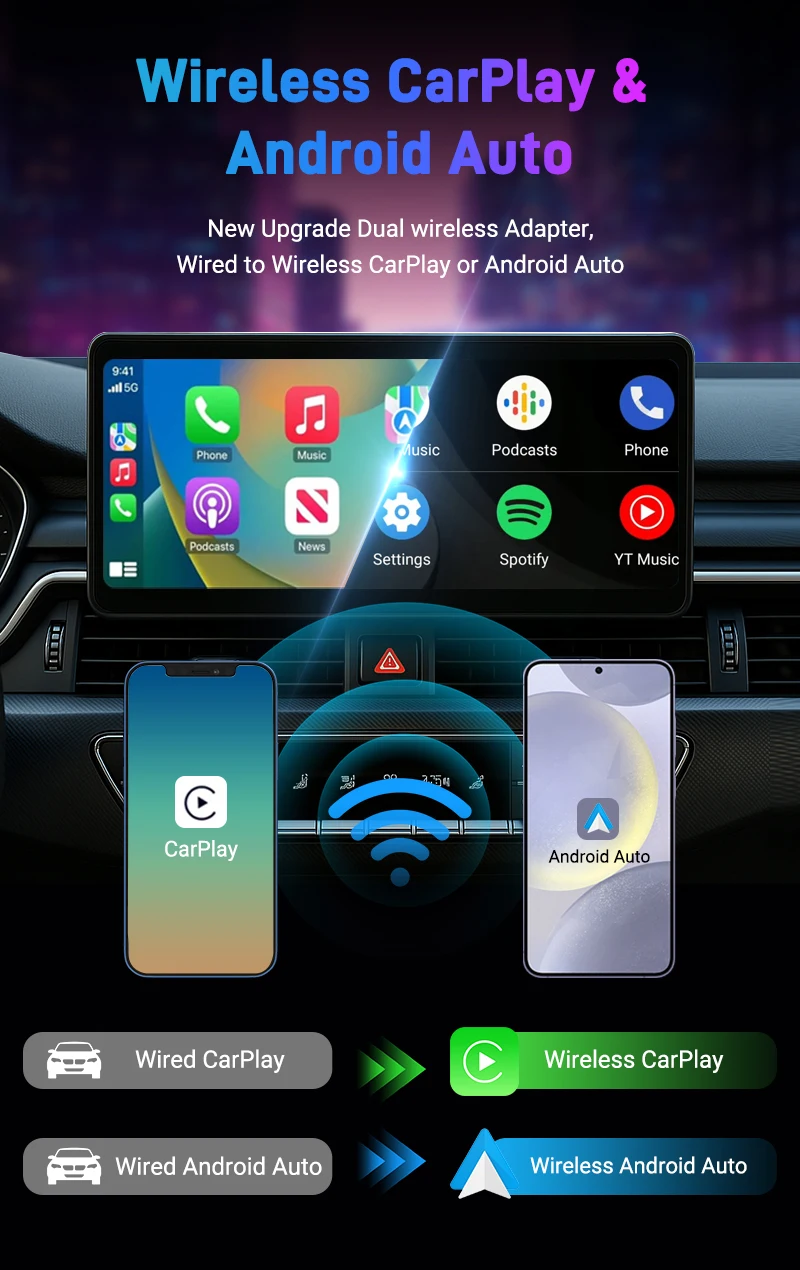
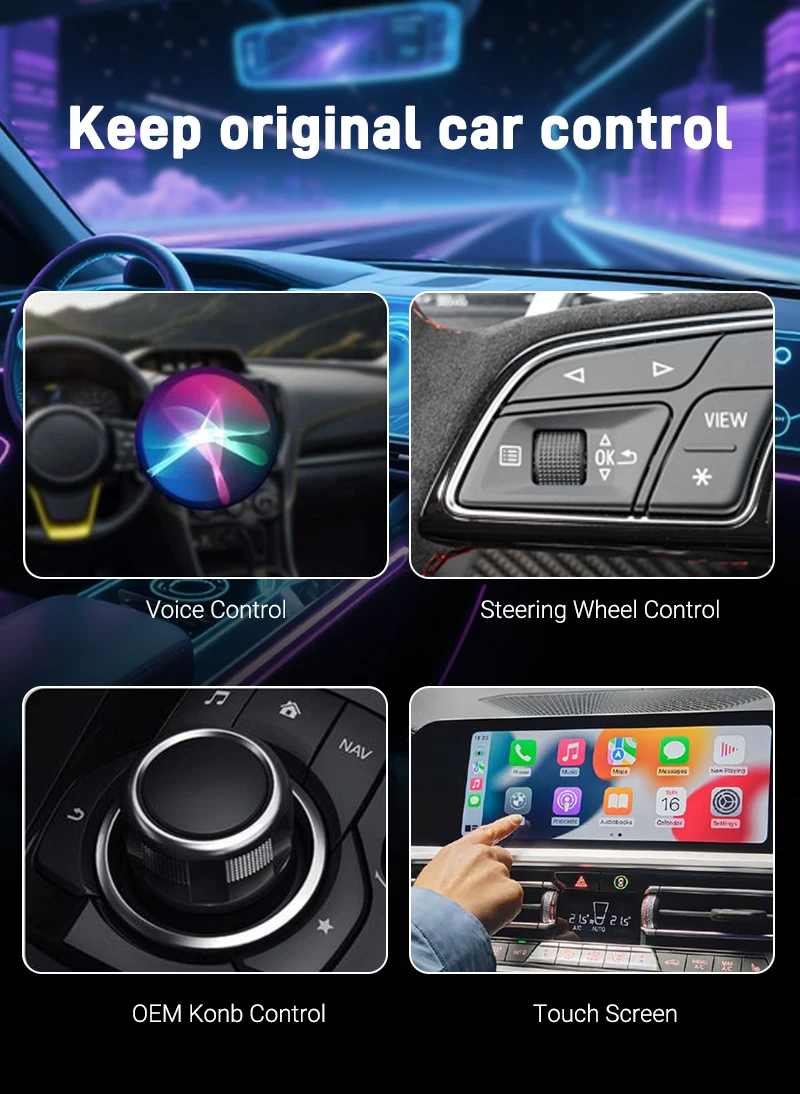
🎀🎀Support Wired To Wireless CarPlay, Convert factory wired CarPlay to wireless, Support Siri,GPS Navigation and so on.
🎀🎀Support Wired To Wireless Android Auto, Convert wired Android Auto to wireless, Support Google Assistant, GPS Navigation and so on
🎀🎀Exclusive look and possibly the world’s smallest 2-in-1 CarPlay Android Auto Adapter
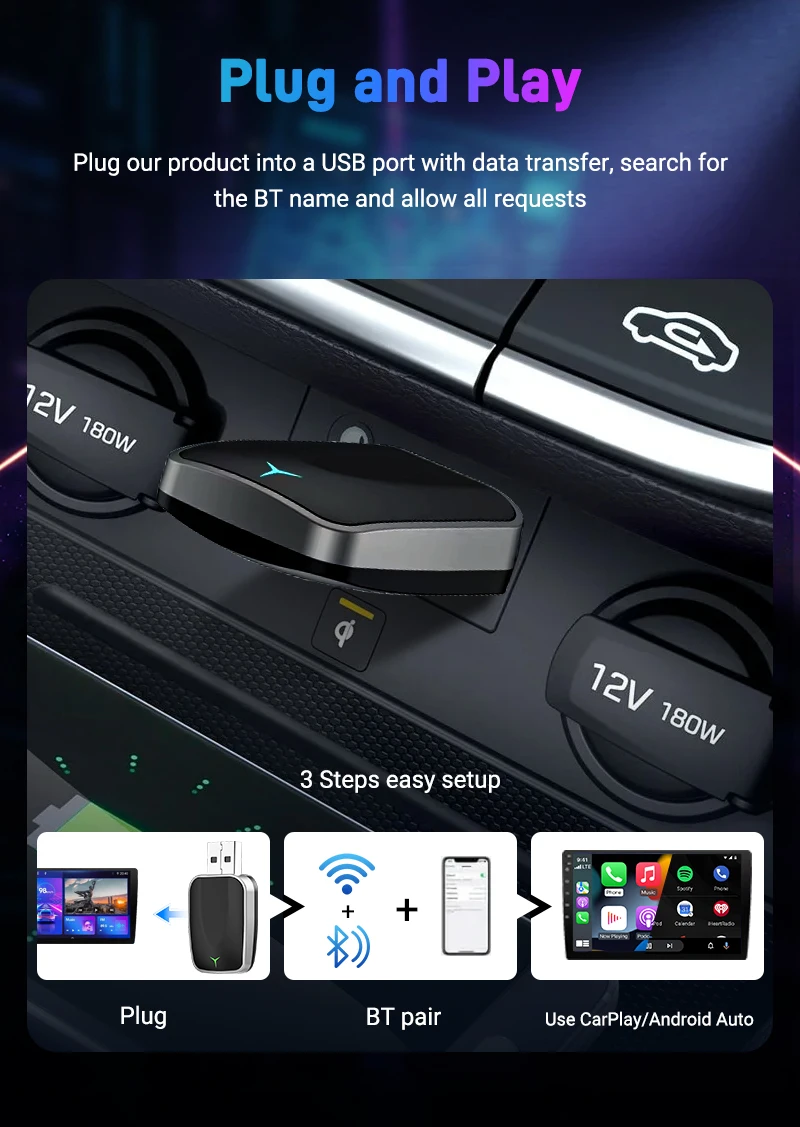
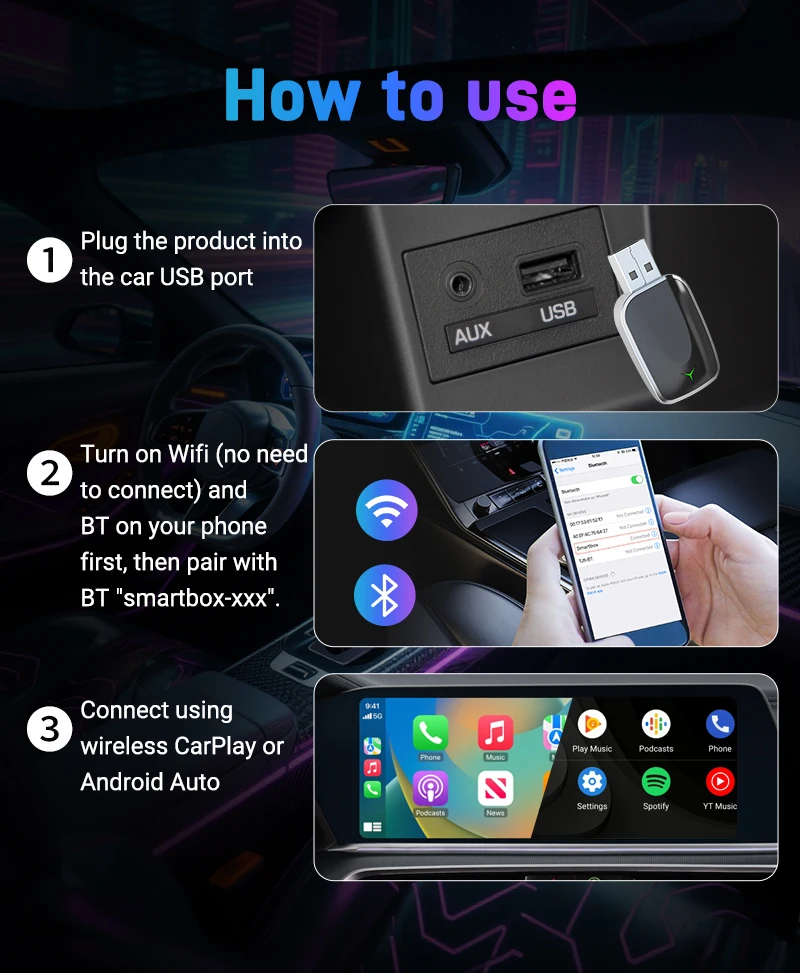
🎀🎀Plug and play, Plug in our product to the USB port with data transmission, Search the Bluetooth name and allow all request.
🎀🎀5.8GHz Wifi transmission, the most stable solution for the phone connection.
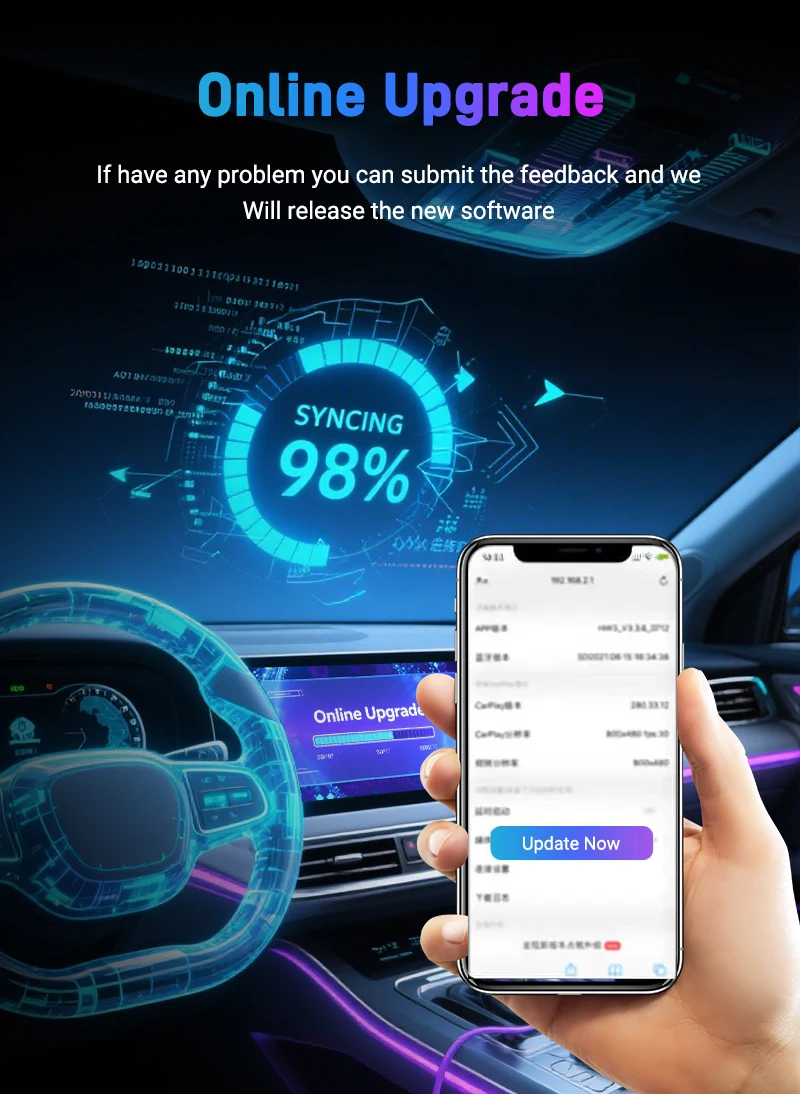
🎀🎀OTA upgrade, if have any problem you can submit the feedback and we will release the new software
🎀🎀Great Compatibility. Right now compatible with 99% of cars on the market with wired CarPlay and Android Auto
📍📍Usage Method:
1. Insert the product into the original car's USB port
2. Open the BT on your iPhone/Smart Phone
3. Search for the device name, connect to SmartBox XXX, agree to pair,
4. Implement the CarPlay/Android Auto function of the product under the guidance and prompts of the mobile phone
📍📍How to confirm if your car has Apple wired CarPlay or Android Auto function?
Method 1:
Connect your iPhone or Android smartphone to your car by USB date cable and see connection interface logo on your car display.
Method 2:
Scan the QR code to check the list on the details page or check with your car manufacturer to see if your car has this capability.
📍📍Packing list:
1 * Carplay Box
1 * Instruction manual